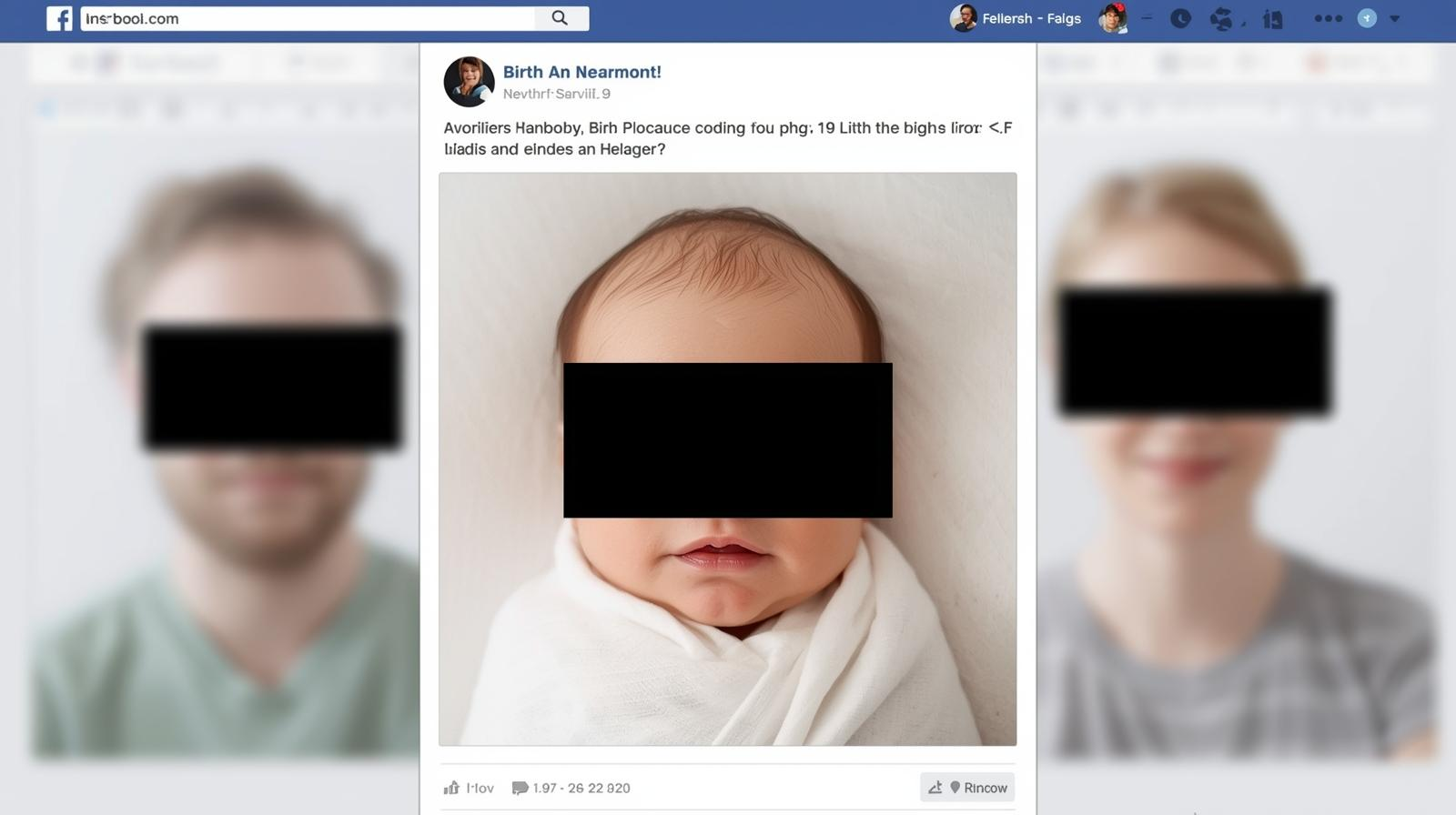
You have probably already made the same internet safety mistake I made years ago. Within hours of having a baby, I did what we all do: I posted to Facebook. And voila- the entire world knew my child’s full name, birth date, birthplace, and weight. All with a photo of the lovely family.
Not a great idea.
My recent podcast guest, cybersecurity expert Chad Rychlewski, explains why these types of data drops add to your child’s digital footprint and put them at risk for identity theft, scams, and predators.
Needless to say, I have since deleted that post.
Here’s 5 more tips about cyber security that I wish I had known before becoming a parent.
Internet Safety Tips I Wish I Had Known Long Ago
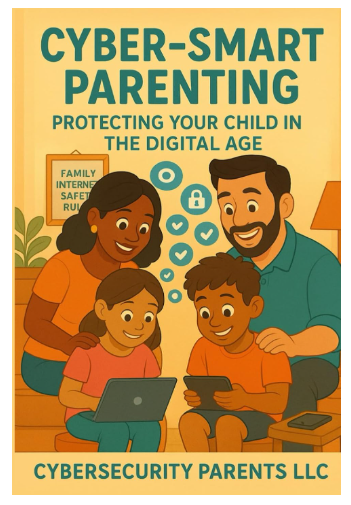
Chad Rychlewski of Cybersecurity Parents spoke on the “Screen Less Play More Podcast.” Chad shares his experience guiding families through real-world cybersecurity challenges, plus step-by-step advice from his book Cybersecurity Parents: Super Cyber Smart Parenting for the Digital Age. Whether your child is in preschool or heading off to college, this episode is packed with actionable strategies every parent needs.
Listen here:
Internet Safety Tip: Freeze Your Child’s Credit

Chad tells Screen Less Play More, “There’s five pieces of identity that you need to properly steal someone’s identity:first name, last name, address, social security number, date of birth, that’ll do it.” Criminals can easily find names and birth dates from that Facebook birth announcement I was mentioning earlier. They can often get other information like address and social security number from data breaches.
Chad explains, “Look at K through 12. Student information systems or applications that you’re you’re filling out for your children. There’s a different online application every year, it seems in elementary, middle and high school. Every time you do that, you’re putting your data at risk because you’re giving it to a third party. And it’s there are known student information systems that have been breached in several different states across the US.”
Chad advises, “If [criminals] get some of those pieces of information, mainly social security, they can open up a credit card, they can take out a loan… but in the background, they’re not paying that loan, they’re not paying off those credit cards, so it’s hitting your child’s [credit].” Thus, when your child turns 18 and she tries to open a credit card- -surprise – her credit was already ruined by a scammer years ago.
So what can you do now? Freeze your child’s credit.
Chad details how to freeze your credit in this blog post. He explains, “What locking, or freezing your credit does, is if someone were to steal that information they’d go to open a credit card and it would ping the bureau and the bureau would say ‘no that’s locked.’ So if you want to open this you have to unlock it and prove that you are who you say you are…and at that point the bad guys lose.”
Internet Safety Tip: Never Click On Sponsored Links
So you just did a Google search and a helpful link came up at the top of the page. But it says “sponsored link.” Should you click it?
NO!
Why not?
Cybersecurity expert Chad Rychlewski explains, “You’ll see in Google that links are sponsored. All that means is that a company paid to get their link at the top and it could look just like most of the time it is the normal website and they’re just paying the fees to Google to market their website. But a bad actor can go buy a website five years ago that looks just like Microsoft.com. Replace the M with two letters that combine together, like an R and an N, to make Microsoft. Or they just find a sub-domain that looks like a legit domain for the search criteria that you put in, and they’ll sponsor that bad link. Once you click on that bad link, that’s where things go downhill, because they could ask for a password, they could ask for personal information.”
Chad continues, “And all this time you think you’ve gone to the right website because you searched it on Google and that’s where it took you. But you need to scroll down a little bit, go past the sponsored links and find the legitimate websites. HTTPS is normally at the front of a legitimate website. That means it’s secure.”
How To Stay Safe While Gaming Online
Today’s video games are nothing like what you played in the ’90s or early 2000s. Not only are they designed to addict, but the online components are hotbeds for predator activity. So how can we teach internet safety to kids who like gaming?

Chad suggests, “Create a very unique username that has nothing to do with who you actually are.” Do not use Firstname.Lastname. Ever!
The chat function of video games is the most problematic aspect. Chad advises that parents should always shut off the chat function of any game.
Also, “I go a step beyond. I like to find games that don’t even need internet connection….But I mean, this goes back to like Xbox and the game Halo that I played in like high school where you’d be talking to some random stranger over the headset and you didn’t think anything of it back then. But there are predators on these platforms now that will groom kids. So these children need to actively pay attention to who they’re talking to, verify that it’s actually their friend.”
He warns, “I’m just, not a big fan of talking to random strangers on the internet these days. It was fun in the early 2000s. It is not fun or reasonable to do these days.”
Stop Using Google – And Browse In Safe Mode
Another great internet safety tip from our podcast is to browse in safe mode. Cybersecurity expert, Chad Rychlewski explains, “In incognito or safe mode, you’re not allowing your computer to save cookies or save the websites that you’ve gone to. So it’s going to also block certain data that’s sent from your computer, like an IP address….Think of that like your computer’s social security number. It’s an identifiable number that people can track back to your computer [which] allows them more of a capability to hack into your network. But going into safe mode just kind of locks down the information that you’re passively sharing to websites that you go to.”
So should kids be searching the internet in “safe mode” or “incognito?”
Chad says yes! “We don’t even recommend using the big search engines. There’s DuckDuckGo that we mentioned in the book… DuckDuckGo is a good safe browser to use. It’s kid-friendly. I know a lot of adults that use it, actually.”

More internet safety tips on the podcast!
Listen to the entire episode of Screen Less Play More with guest Chad Rychlewski for practical tips about:
- Protecting your child’s digital footprint from birth onward
- Avoiding common cybersecurity pitfalls in social media, apps, and online games
- Freezing your child’s credit to prevent identity theft
- Teaching kids safe habits around browsers, passwords, and online privacy
- Spotting signs of cyberbullying, doxxing, and online scams
Chad shares his experience guiding families through real-world cybersecurity challenges, plus step-by-step advice from his book Cybersecurity Parents: Super Cyber Smart Parenting for the Digital Age. Whether your child is in preschool or heading off to college, this episode is packed with actionable strategies every parent needs.
Internet safety tips that parents will learn from the episode include:
- Parents often overshare personal details about their children online.
- Freezing a child’s credit can prevent identity theft.
- Active footprints are created by what we post online.
- Passive footprints include metadata and tracking data.
- Regular conversations about online safety are essential.
- Educational technology can track children’s data without their knowledge.
- Doxxing involves maliciously sharing someone’s private information.
- Cyberbullying can occur in group chats and online games.
- Using safe browsing modes can protect personal information. Don’t use Google!
- Parents should regularly check privacy settings on apps.
Thanks for listening!
You can find more great articles on my Substack, including our top podcast episodes of 2025, Gentle Films For Kids Who Get Scared Easily, and How Cringe is the Bridge To Connection with Teens.